The Best Apps to Find Free Wi-Fi Anywhere
The best apps for Find free Wi-Fi These apps show you, on a map, the public and shared networks closest to you. With them, you can find out in seconds where to connect in cafes, airports, libraries, and public squares. This way, you save on your data plan and avoid spending money on other services. international roaming on trips. All can be downloaded for free from the Play Store or the App Store.
In this article, we've compiled five global apps that work in most countries. In addition to network maps, we've included tools to test your speed and protect your connection. After all, finding a network is only the first step. This way, you can browse quickly, economically, and... security on public Wi-Fi.
How do apps find free Wi-Fi networks?
Most of these apps work based on a user community. Each person can add a public hotspot, To assess the quality of the connection and report whether the network is still working. Consequently, the map becomes more complete and up-to-date every day. Some apps gather millions of data points across all continents.
In addition, several apps allow you to download a offline Wi-Fi map from the city. This means you can Find free Wi-Fi Even when you have no internet connection at all. It's worth emphasizing that reliable apps only show public networks or networks shared by their owners. Therefore, none of them can access private networks or discover other people's passwords.
The 5 best apps to find free Wi-Fi
1 – WiFi Map
WiFi Map is one of the world's most popular apps for Find free Wi-Fi, With over 100 million downloads on the Play Store, this app displays a map with Wi-Fi hotspots added by the community in various countries. By tapping on a hotspot, you can see information about the network and comments from other users, helping you decide if it's worth visiting the location.
One of the most useful functions is the offline Wi-Fi map. You download the region while you have internet access and check the points later, without data. Therefore, the app is widely used by travelers who want to avoid the... international roaming. The app also includes a internet speed test to check the connection quality.
THE download It's free, but some extra features are paid, such as removing ads. The app also offers the option to purchase a... eSIM for travel, This is for those who need mobile data abroad. However, the main map function remains free. This way, you can use the essentials without spending anything.

2 – Instabridge
Instabridge is another giant app, with over 100 million downloads on Android. It functions as a global community of people who share access to Wi-Fi networks. The app shows which networks actually work and helps avoid bad connections. This way, you can connect with fewer taps and fewer frustrating attempts.
Instabridge also has an offline hotspot map, ideal for travelers or those without a data plan. Additionally, the Android version includes its own data-saving browser. Consequently, your internet usage improves when you're not on Wi-Fi. It's possible free download It's on the Play Store, and the iPhone version is on the App Store.
Like other apps of its kind, Instabridge offers eSIM for travel as a paid service. Before buying, compare prices with other options on the market. On the other hand, searching for free networks is free. Therefore, it is an excellent choice for Find free Wi-Fi In everyday life and when traveling.

3 – WiFiman
WiFiman is a free, ad-free app created by Ubiquiti, a company known for networking equipment. It detects available Wi-Fi networks around you and shows the signal strength of each one. This way, you can find out which nearby connection has the best signal. It's a very useful tool when there are multiple networks in the same location.
In addition to searching, the app also does... internet speed test Download and upload speeds. You can save the results and compare different networks. This way, you can choose the fastest connection before making a video call or downloading files. The app also shows technical information, such as channel and latency, for those who want more details.
WiFiman is available for download Available on the Play Store and the App Store. Since it has no ads, the experience is clean and fast. However, it's not a collaborative map like WiFi Map. Therefore, it works best as a complement, analyzing the networks in your current location.

4 – Speedtest by Ookla
Speedtest by Ookla is one of the world's best-known apps for measuring internet speed. With one tap, it shows your download speed, upload speed, and ping. So, after Find free Wi-Fi, This allows you to confirm if the network is truly good. This avoids wasting time with slow connections.
The app also saves your test history, which helps you compare networks you use frequently. In addition, it has coverage maps of mobile operators, based on real user data. Consequently, you have a better understanding of where the signal is usually strong. download It's free on the Play Store and the App Store.
Speedtest offers some paid features, such as ad removal and a VPN subscription. However, the speed test itself remains free and unlimited. Therefore, it becomes an essential part of your internet setup. Use it whenever you log into a network. public hotspot new.
5 – Proton VPN
Proton VPN is a Free VPN Developed by Proton AG, a Swiss company focused on privacy, it creates a secure connection with... data encryption between your cell phone and the internet. This way, even on an open network, it becomes much more difficult for someone to intercept what you're doing. It's the ideal layer of security after... Find free Wi-Fi.
The free plan has no data limit, according to the company itself, and does not require personal information for registration. On the other hand, it offers fewer servers than the paid version. For daily use on public networks, this free version is already sufficient. You can free download on the Play Store and the App Store.
Using a reliable VPN is one of the best practices of personal data protection on public Wi-Fi. Be wary of unknown VPNs that promise everything for free without explaining how they make money. Therefore, prefer companies with a good reputation and a clear privacy policy. This way, you can transform any public network into a safe haven. secure Wi-Fi network For everyday use.

Tips for making the most of free Wi-Fi
First, download an offline map of your city or destination while you still have internet access. That way, you can... Find free Wi-Fi Even with a zero-data plan. This tip is even more important before international travel. After all, when you arrive in another country, you might be without data for a few hours.
In addition, make a internet speed test Whenever you connect to a new network, if the speed is slow, look for another point on the map. Similarly, help the community by rating the networks you use. Consequently, the map becomes better for all users.
Regarding security on public Wi-Fi, Activate your VPN before opening any application. Check that websites start with "https" and avoid banking transactions on open networks. Also, be wary of networks with names similar to those of real businesses. This way, you protect your data against fake networks.
It's also worth knowing the places that usually offer free Wi-Fi in many countries. Libraries, airports, train stations, shopping malls, museums, and cafes are among the most common. In restaurants, the password often appears on the receipt or on a sign at the counter. So, even without the app open, you already know where to look.
Another good practice is to check the login pages of public networks. A reputable network usually only asks you to accept the terms of use or provide an email address. Therefore, never enter bank passwords or credit card details to gain access. If the page asks for this, log out of the network immediately.
Finally, disable automatic connection to public networks in your phone's settings. This way, the device won't automatically connect to unknown networks. Also, keep your system and applications always updated. These simple actions ensure a much safer experience.
Conclusion
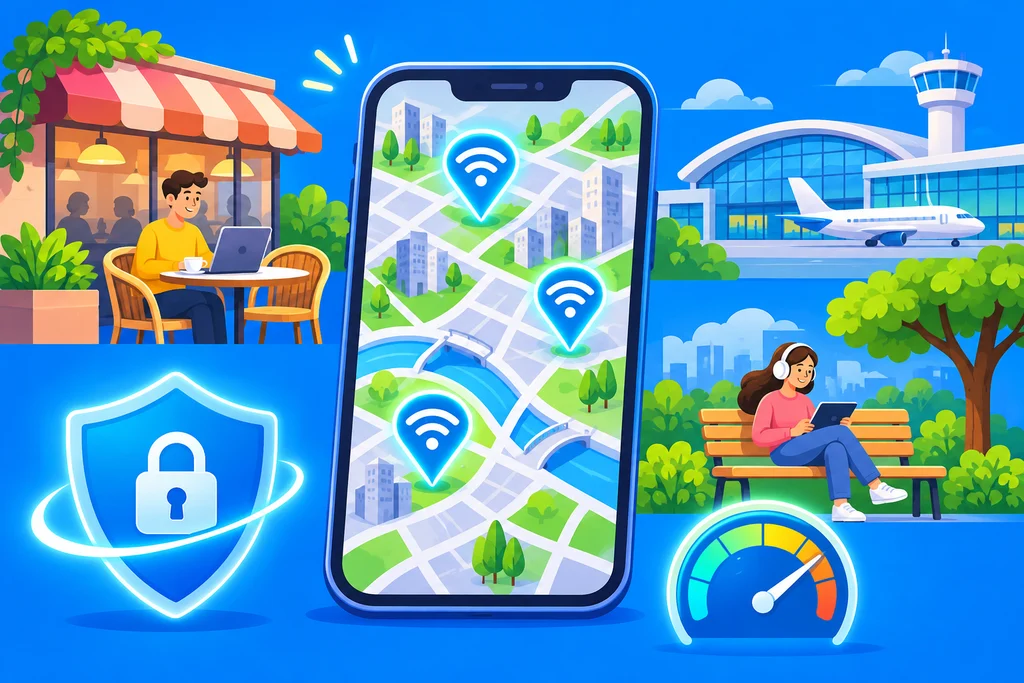
With the right apps, it's easy. Find free Wi-Fi Anywhere in the world. WiFi Map and Instabridge show you where the networks are, including offline maps. On the other hand, WiFiman and Speedtest help you choose the fastest connection. Proton VPN, meanwhile, guarantees the protection of your data.
Therefore, the best strategy is to combine these tools. Download the app Use the map, the test map, and the VPN while you still have internet access. This way, you save on your data plan, avoid roaming charges, and browse with peace of mind anywhere. public hotspot.
In addition, remember to contribute to the community whenever you find a good network. Adding and rating points helps other people to... Find free Wi-Fi With greater ease. In this way, the map becomes more and more complete, and everyone benefits from more accessible internet.